User Guide
Everything the app can do.
A complete walkthrough of Lazy Lopez: Drums — every tab, every tool, every screen. Start at the top or jump straight to what you're looking for.
Basics
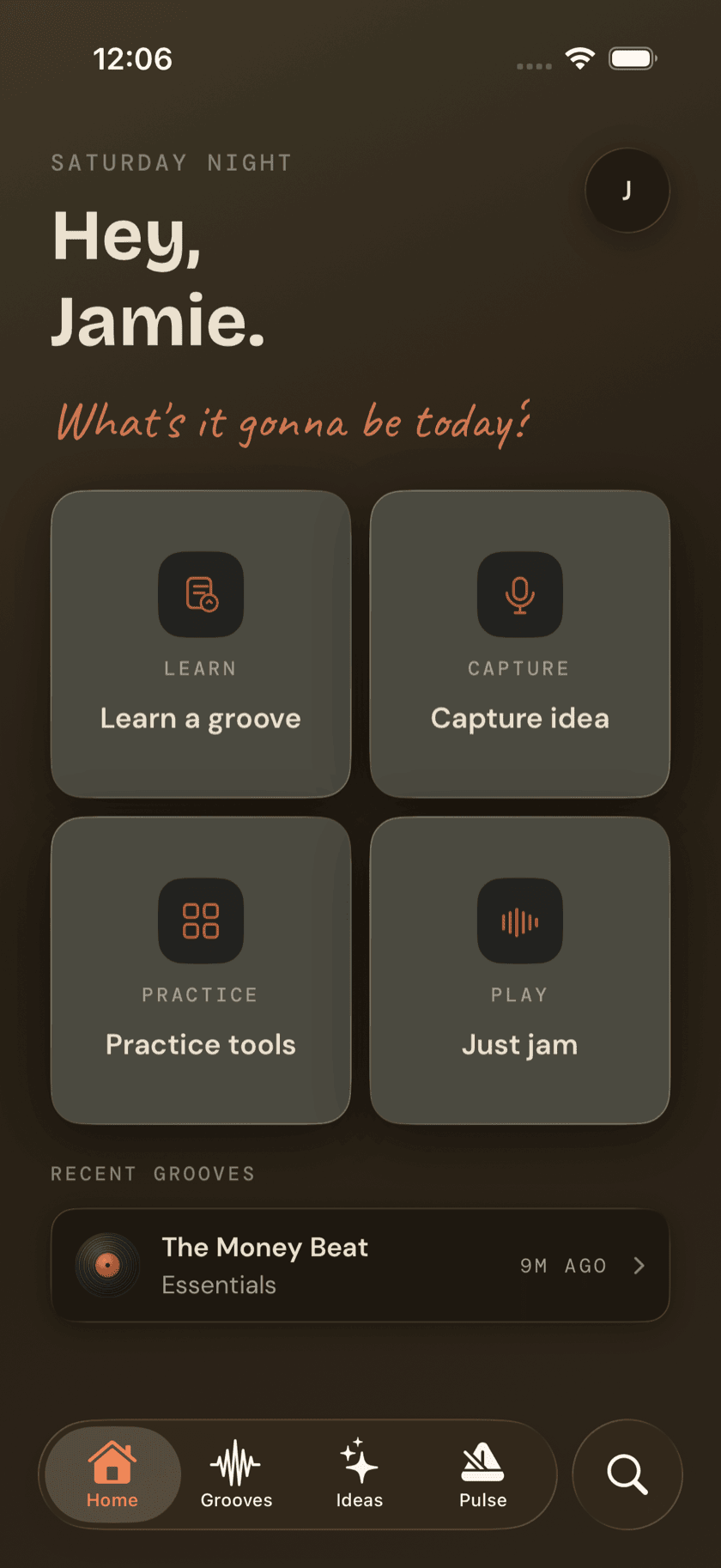
Getting Started
How the app is laid out, what first-run setup covers, and how to find anything once you're in.
Basics
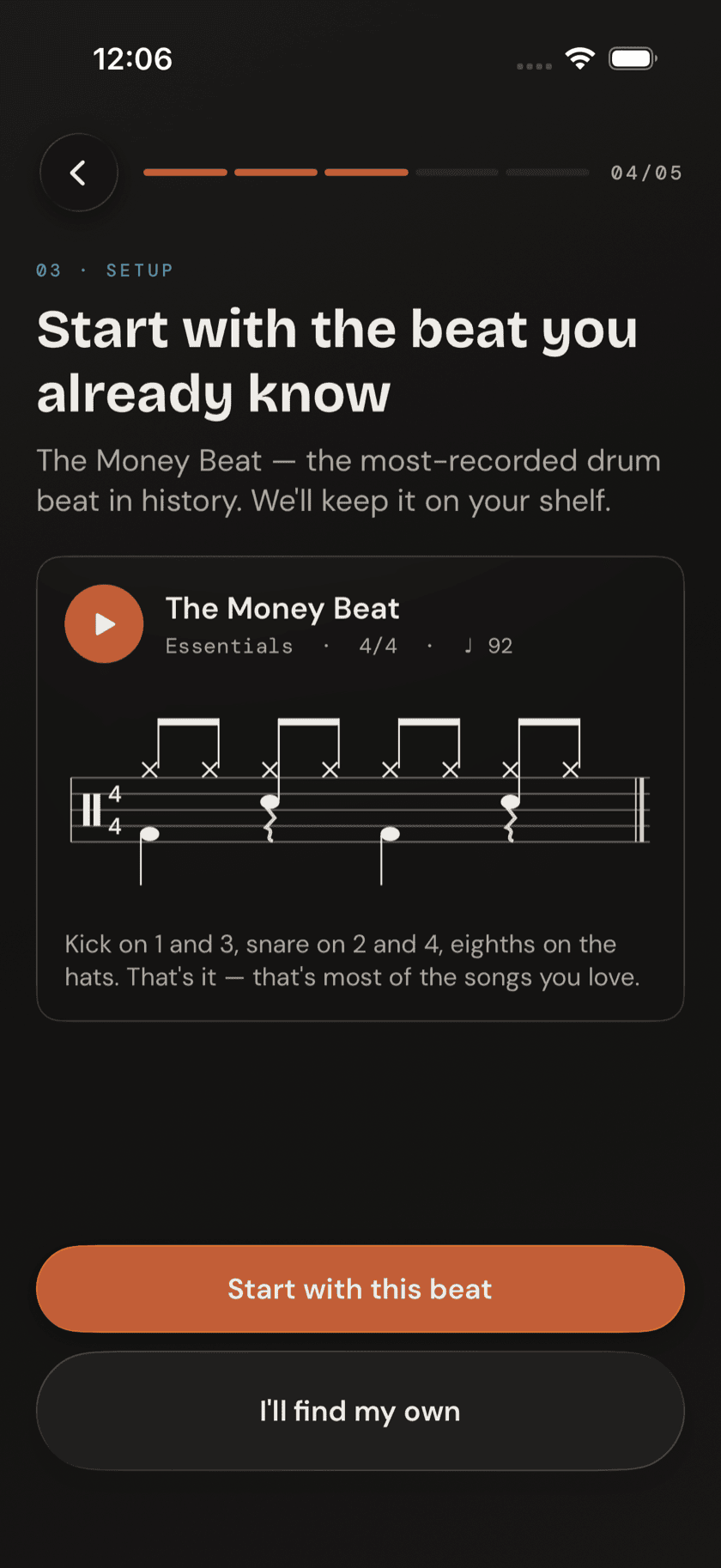
Your First Two Weeks
Which tools, in what order — one groove, two rudiments, and your first fill.
Basics
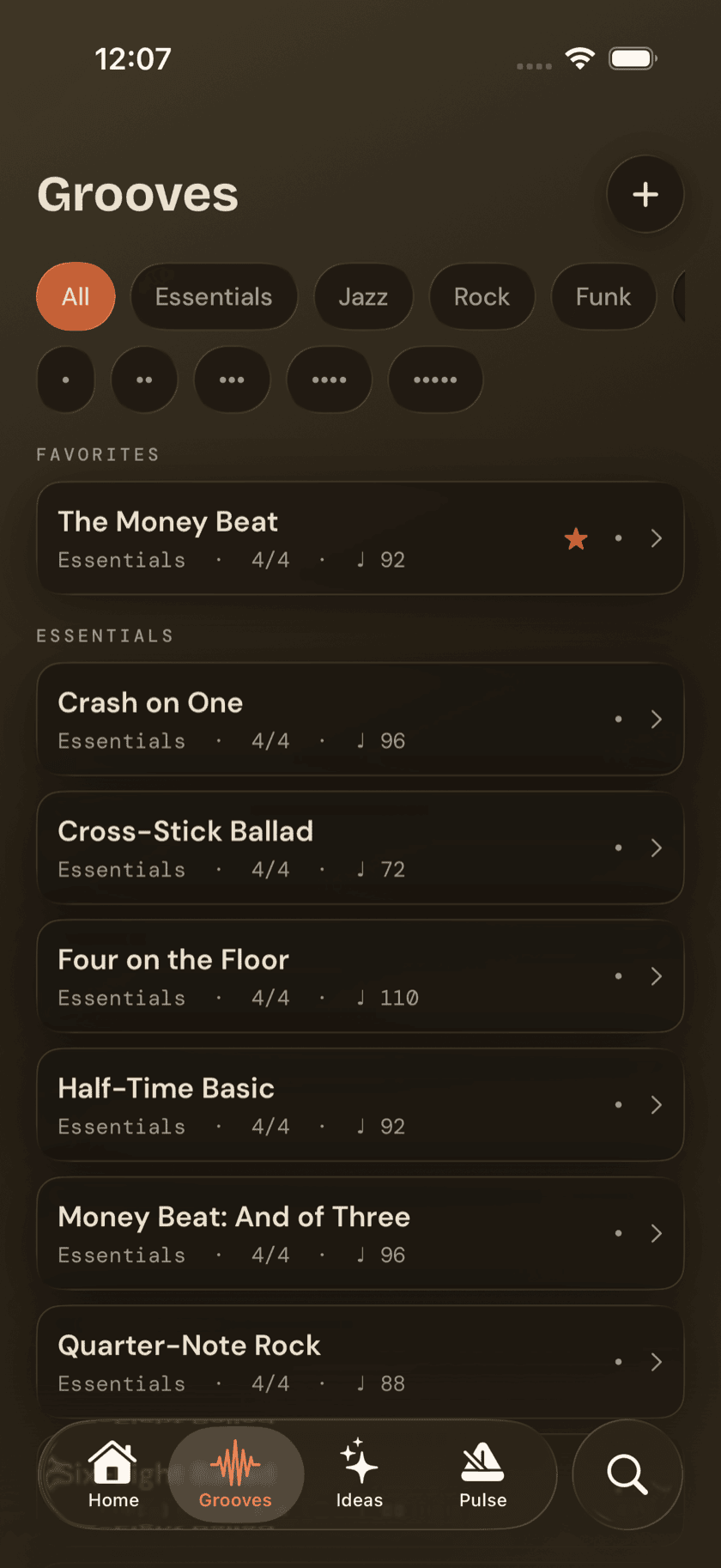
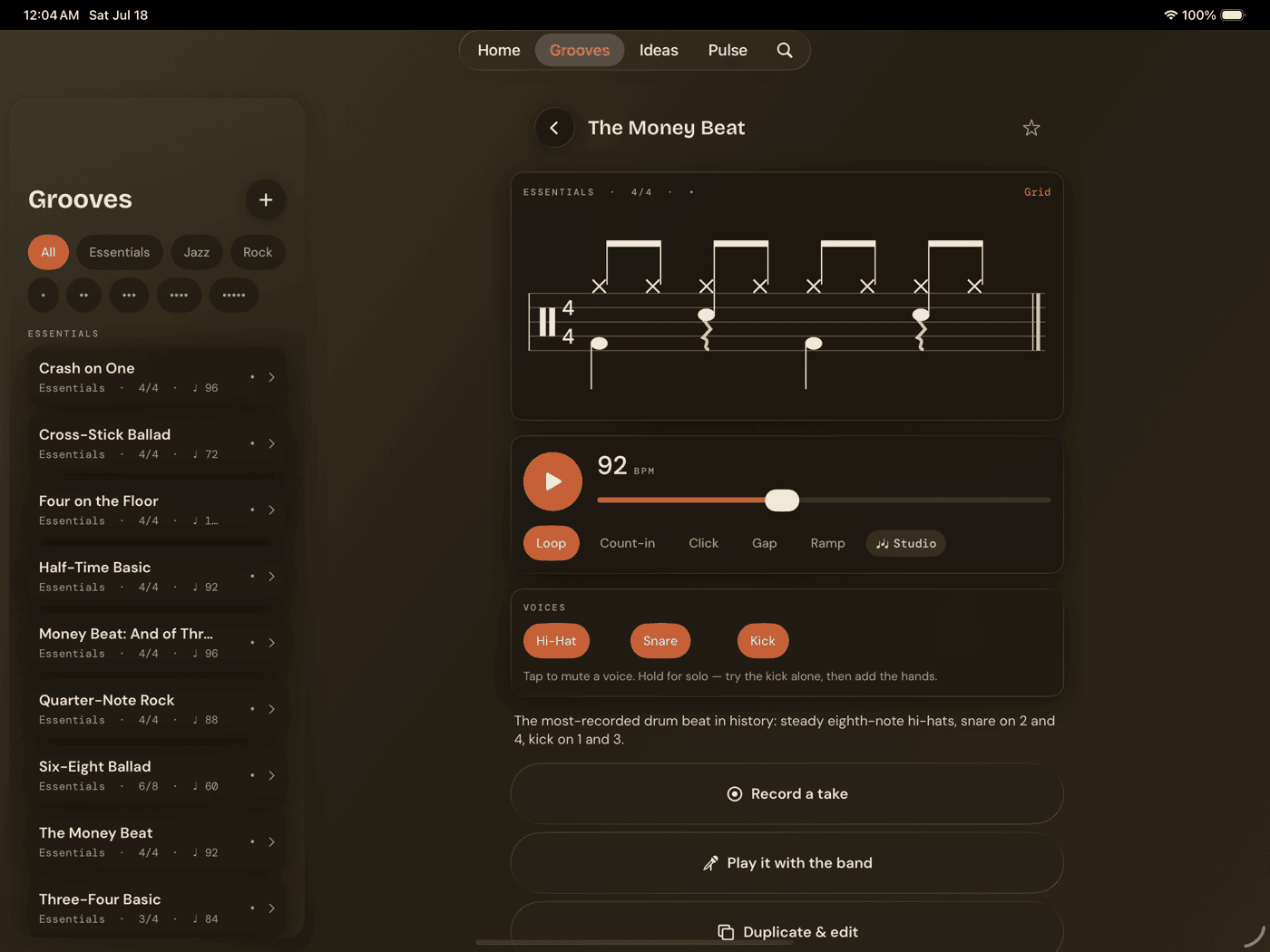
Grooves
The library and the core practice screen at once — every pattern starts here.
Basics
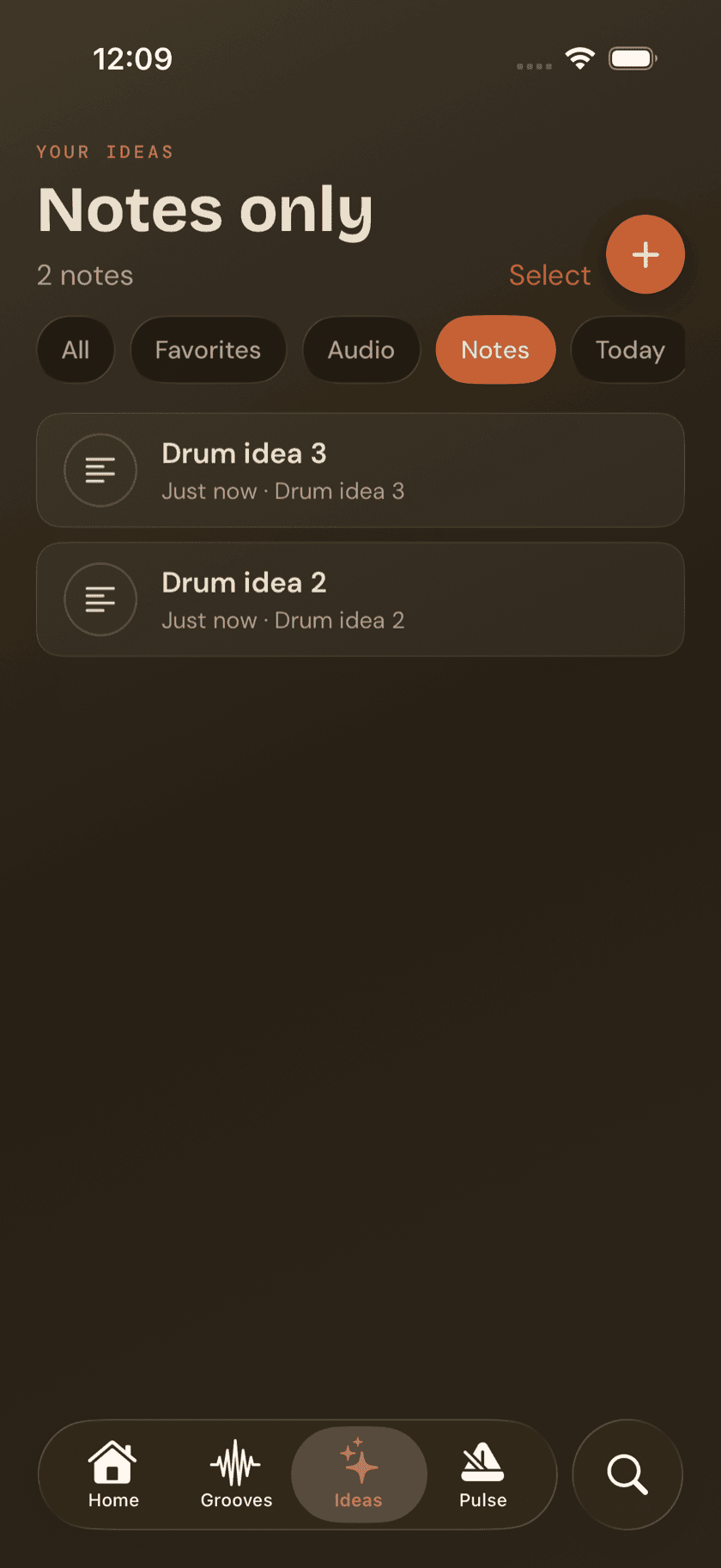
Ideas
Where a beat, a voice memo, or a stray thought lands before it's ready to be a groove.
Basics
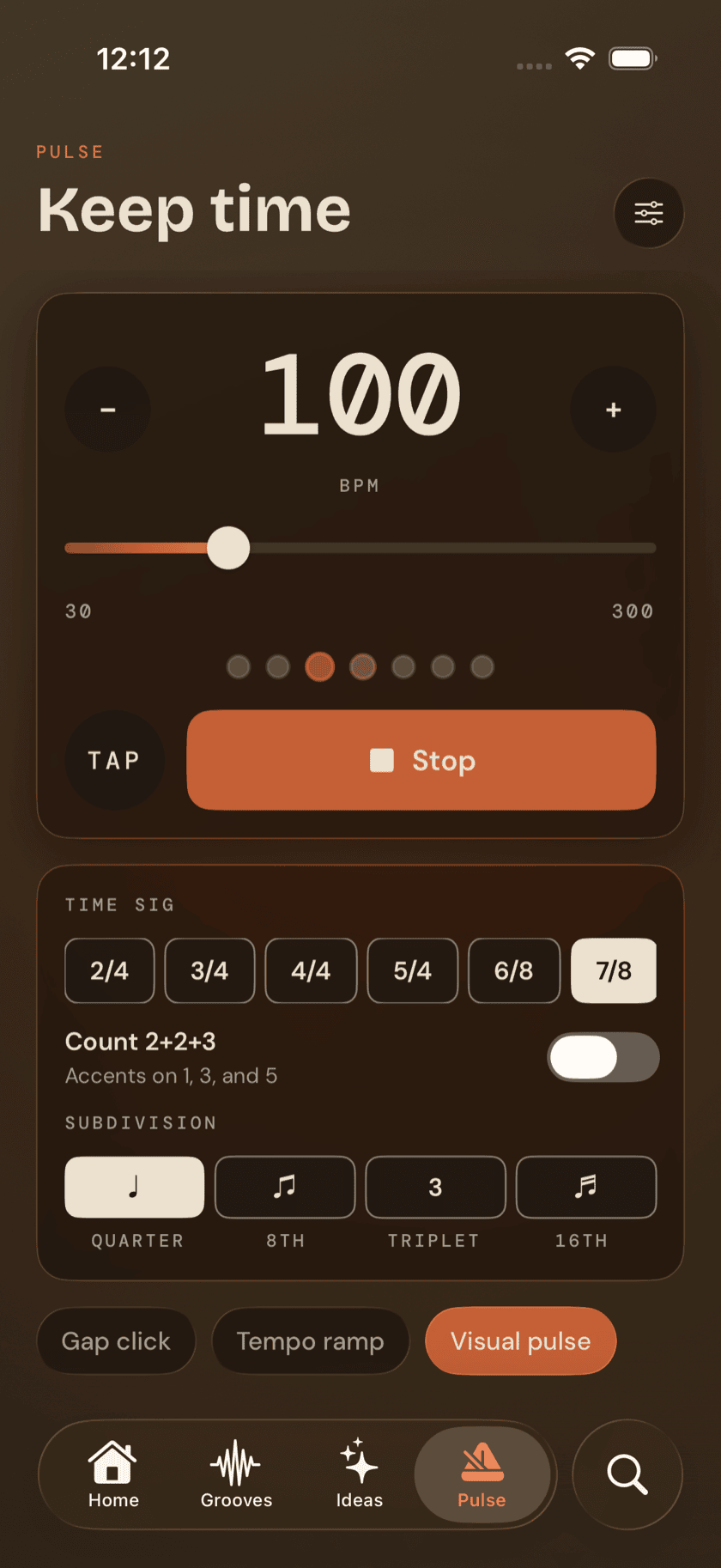
Pulse
The metronome tab you'll open more than anything else.
Basics
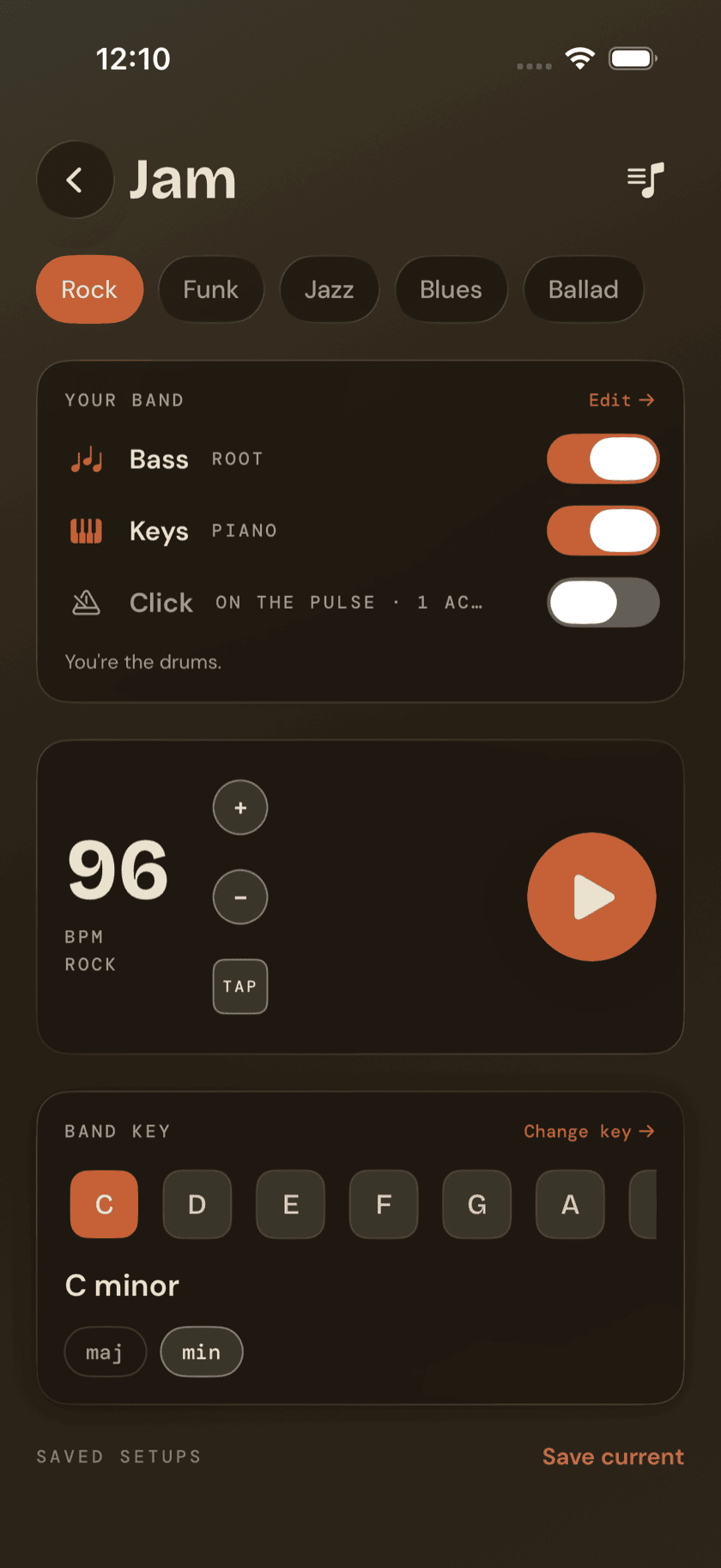
Jam
The band plays, you drum — the one screen that runs backwards from the rest of the family.
Practice Hub
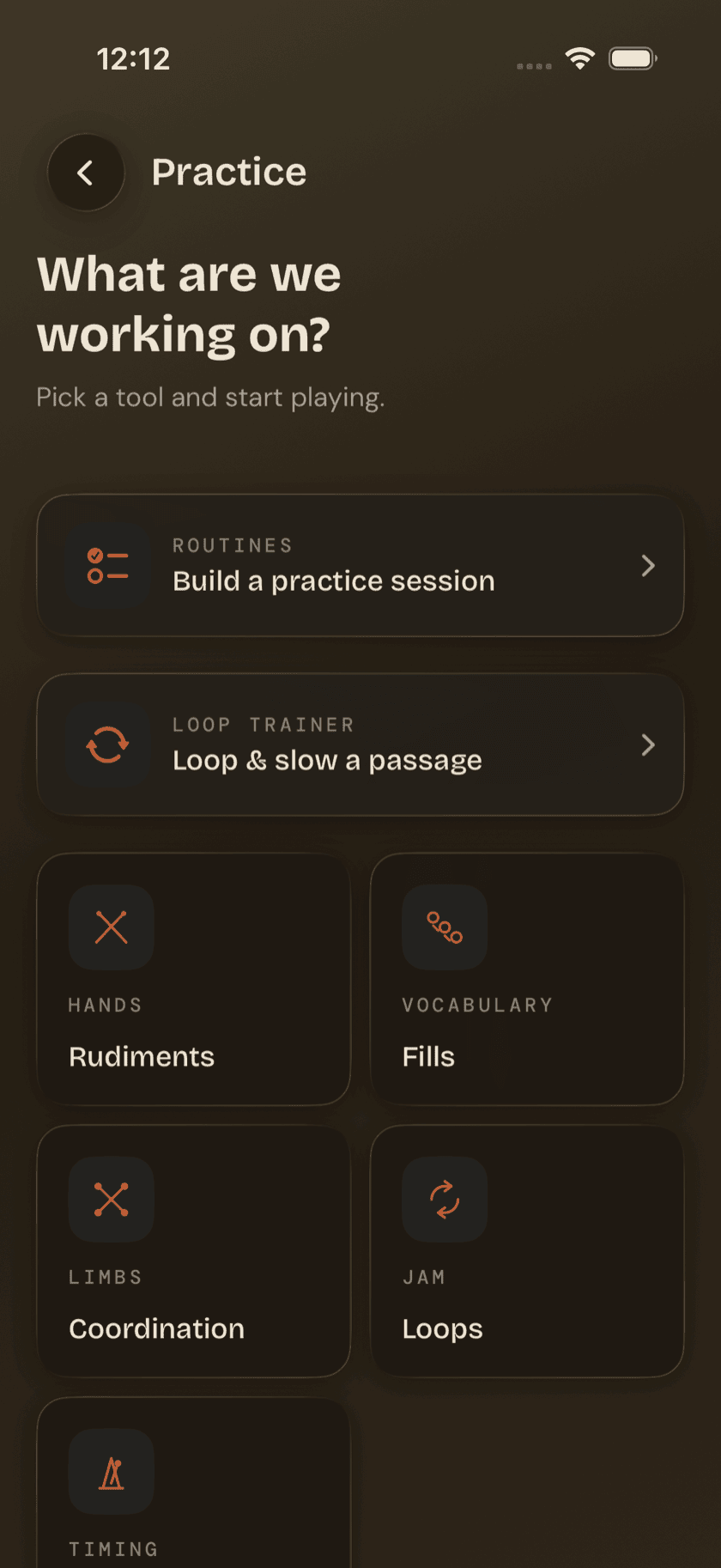
Practice Hub
A map of every structured practice tool, before the tool pages that follow.
Practice Hub
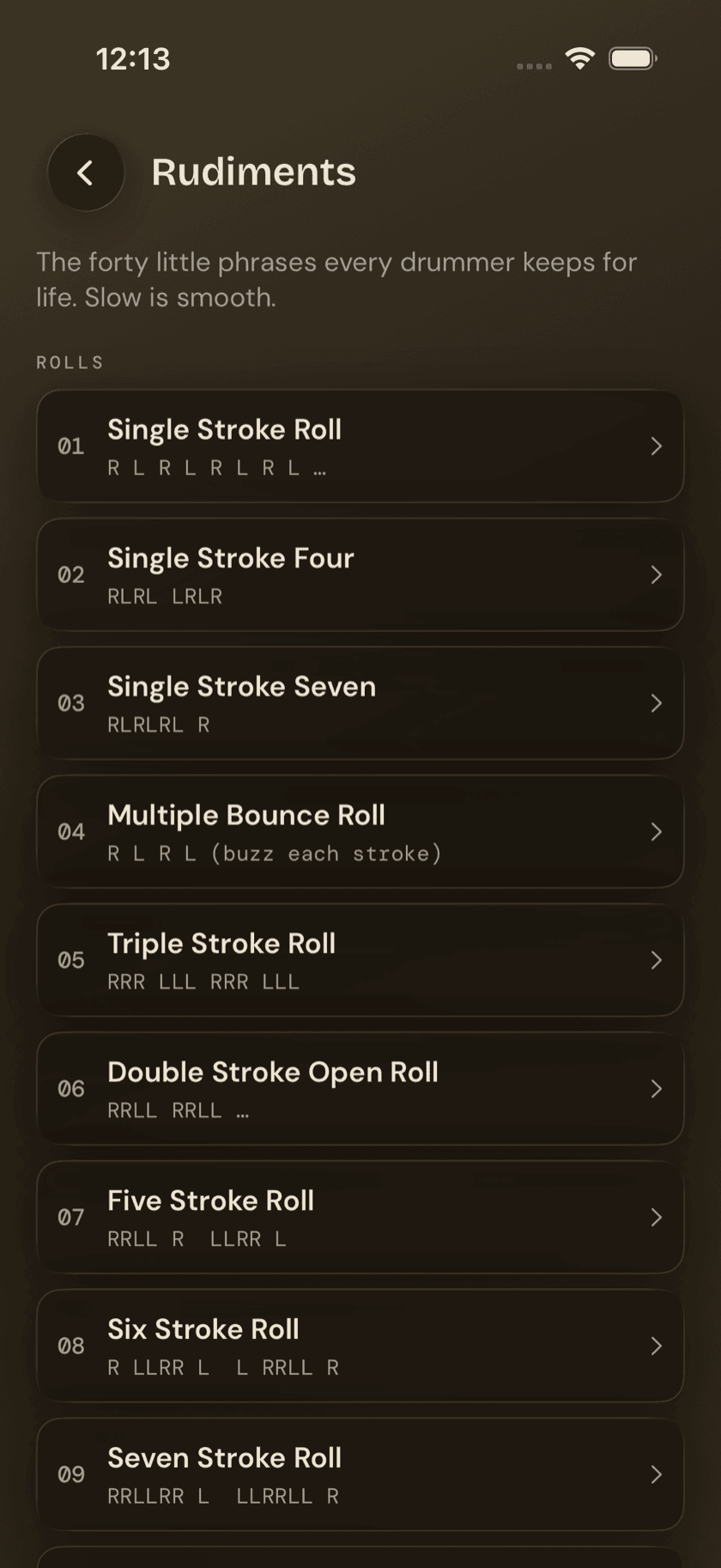
Rudiments
All 40 PAS standard rudiments, notated and playable at your tempo.
Practice Hub
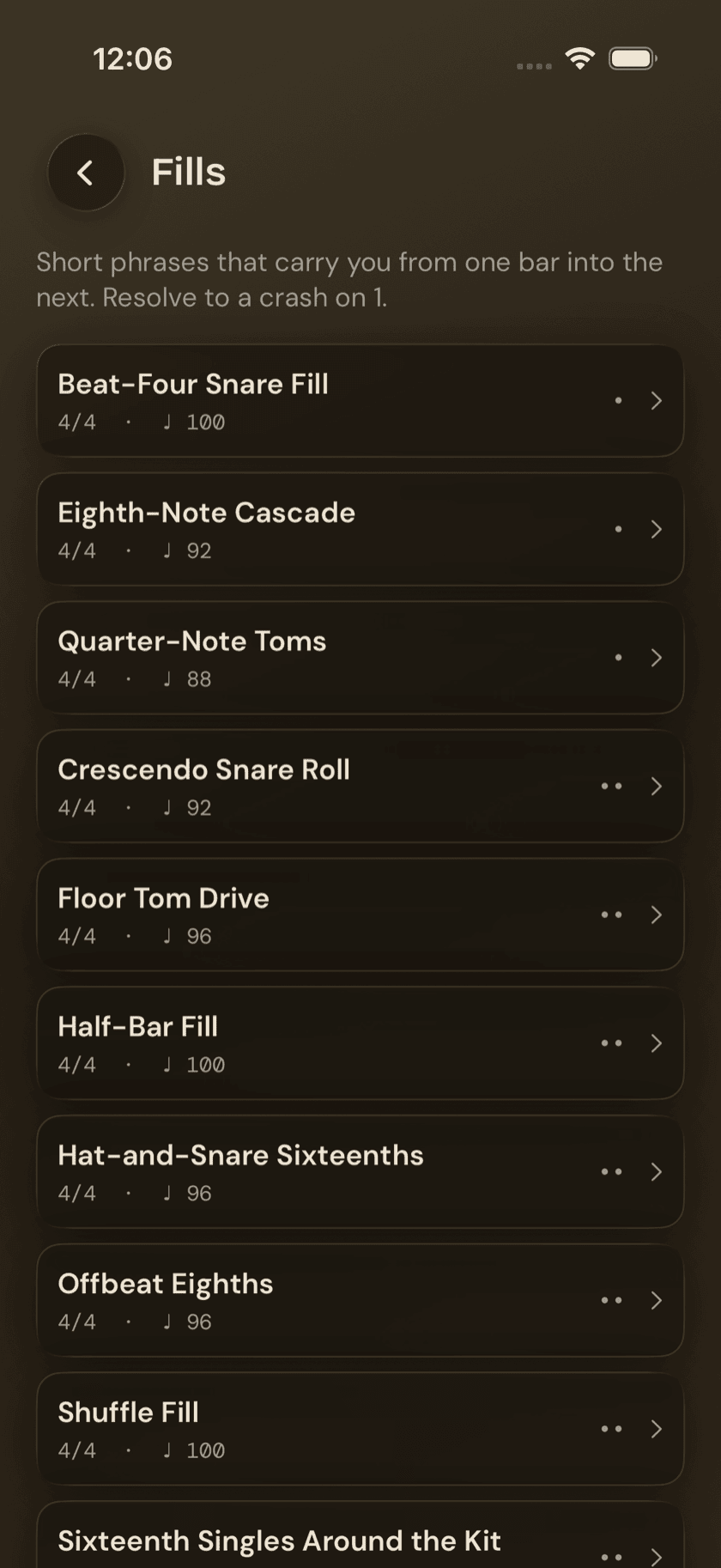
Fills
One- and two-bar phrases that bridge one bar into the next.
Practice Hub
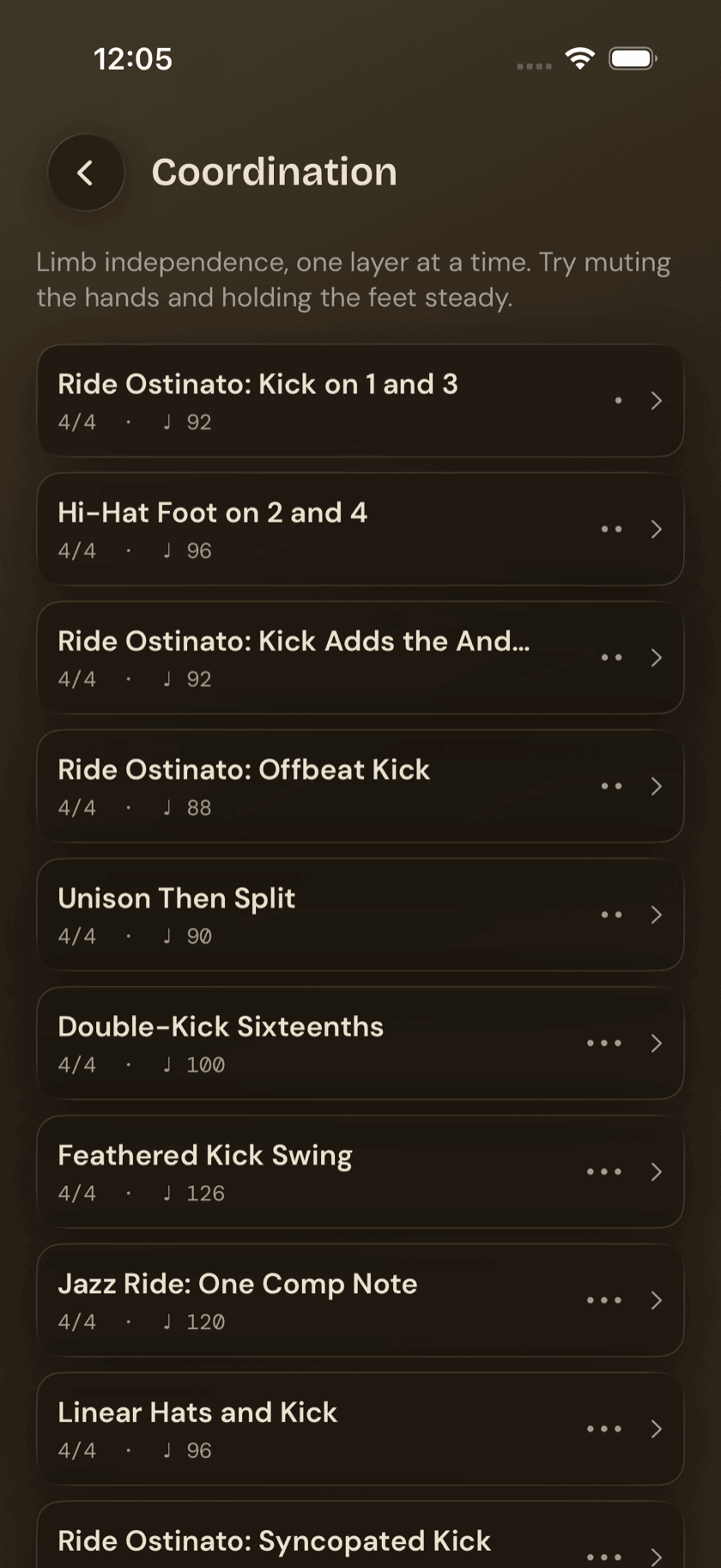
Coordination
Sixteen patterns built to train hands and feet doing genuinely different things.
Practice Hub
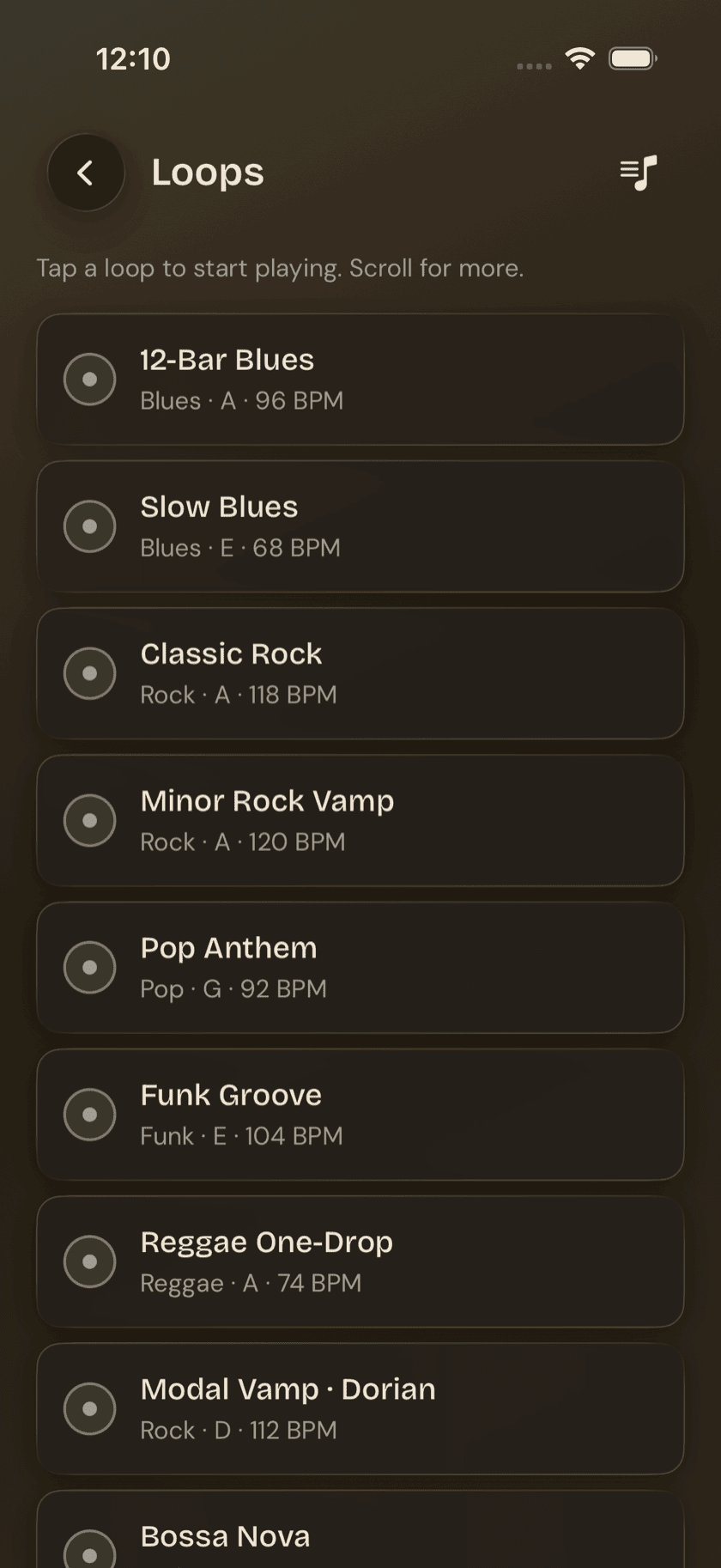
Loops
A library of backing tracks, plus a slow-it-down trainer for a stuck passage.
Practice Hub
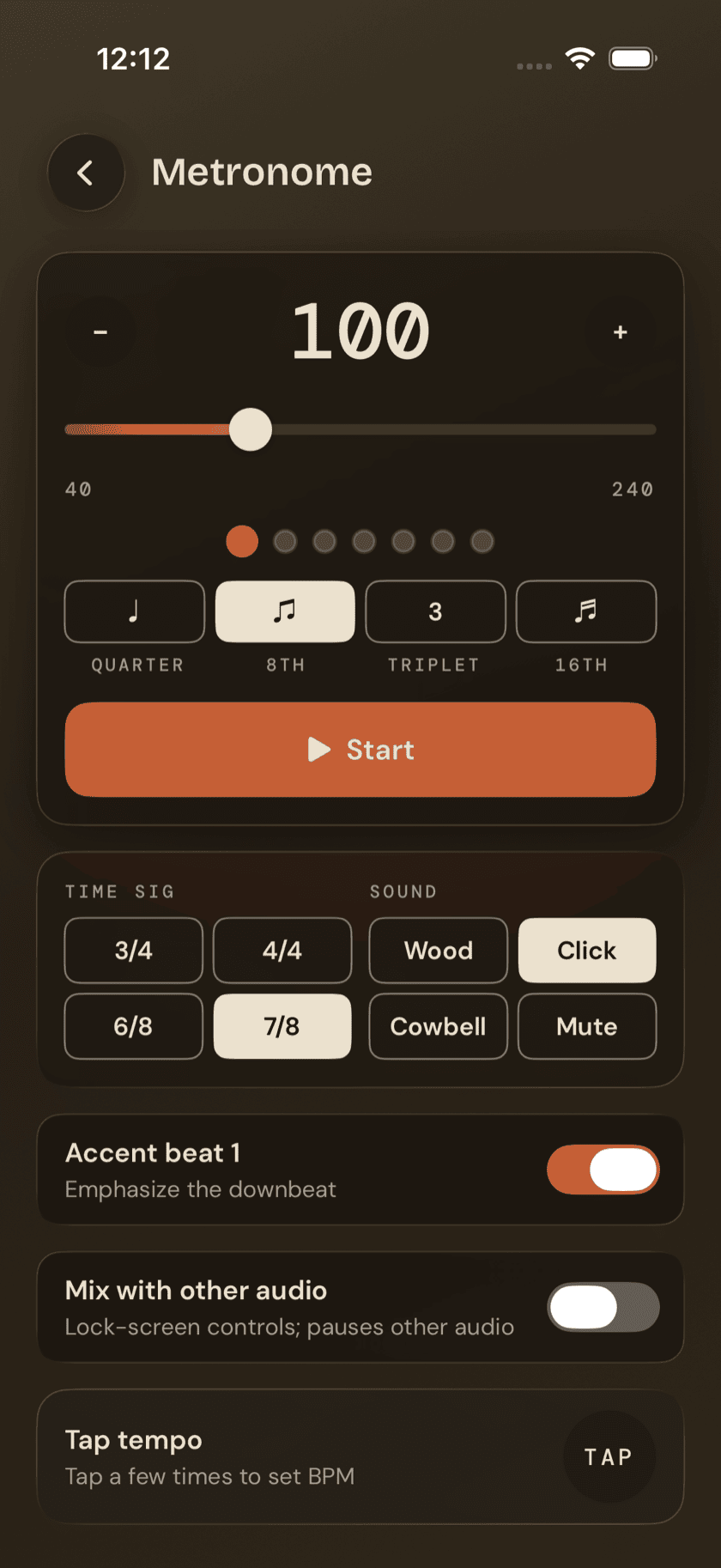
Metronome
A lighter, single-screen click built to drop into a loop or a routine step.
Practice Hub
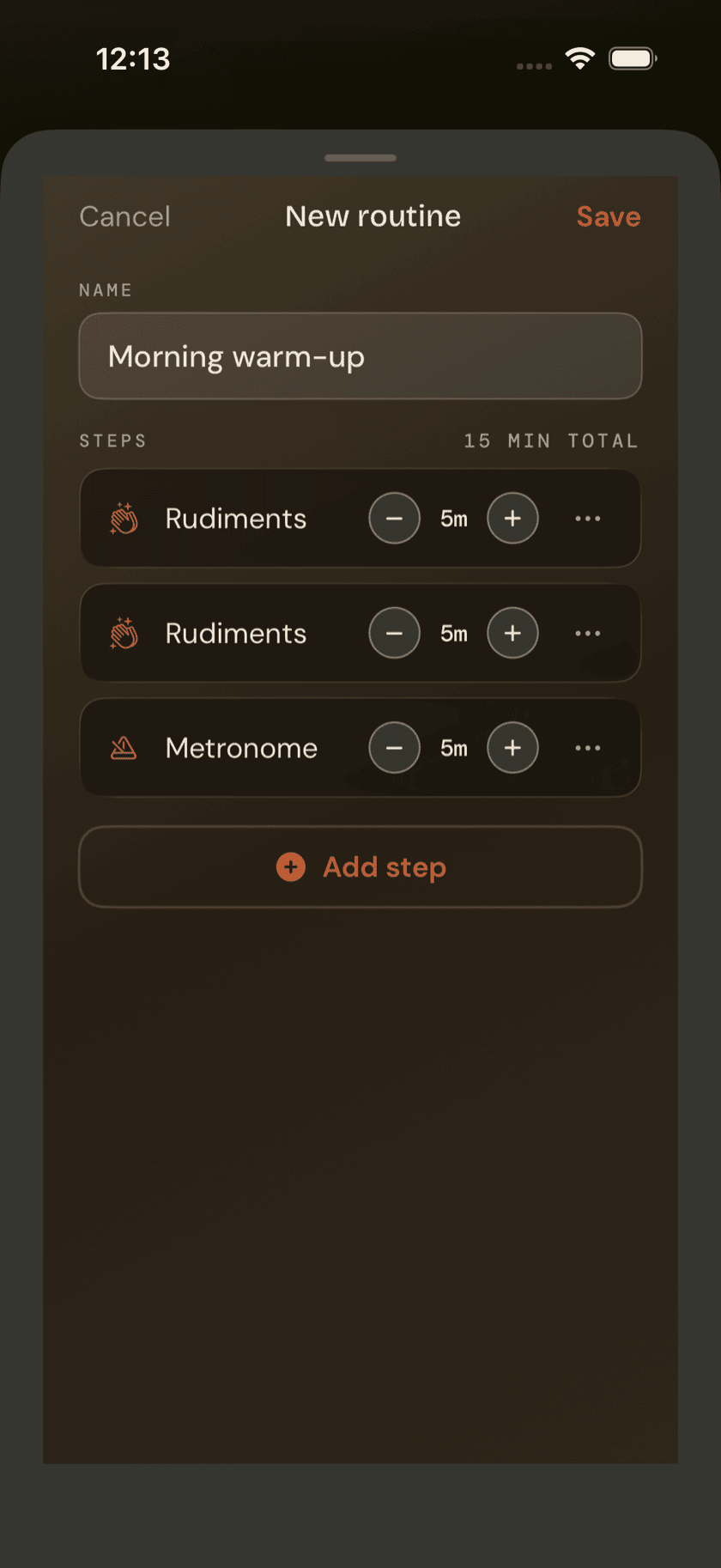
Routines
Chain your practice tools into one guided session, logged automatically.
More
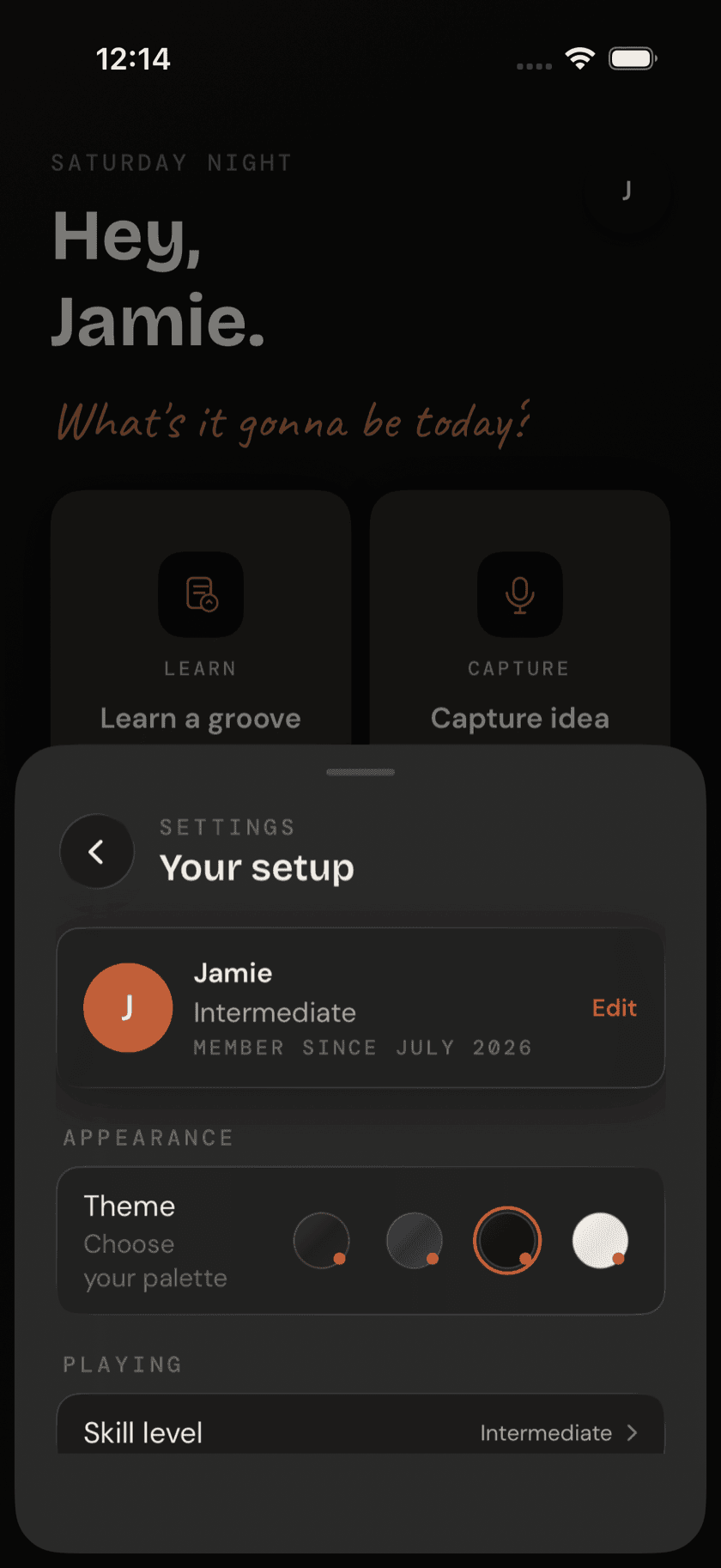
Settings
Appearance, permissions, recording defaults, and everything else in one sheet.
More
Lazy Lopez: Drums Everywhere
iPad, Apple Watch, Widgets, and Mac.